CountUp-The Connected Counter2.98
Publisher Description
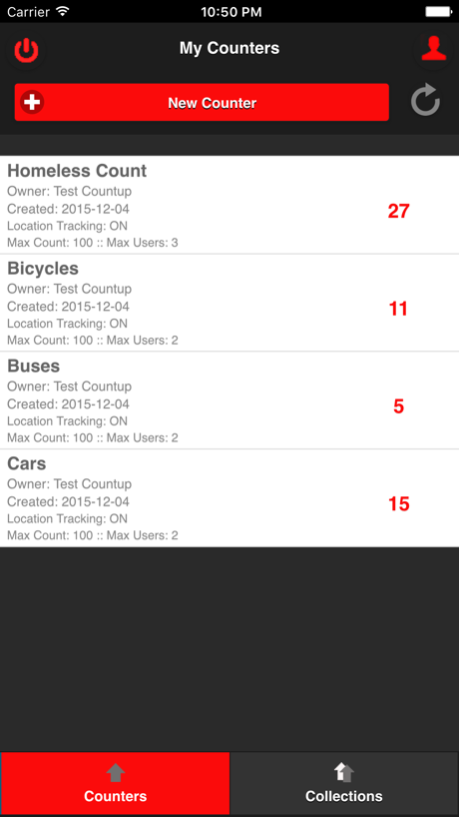
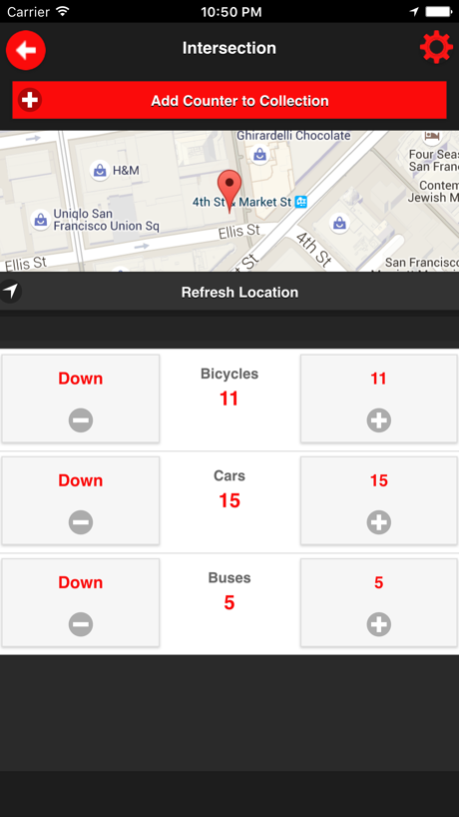
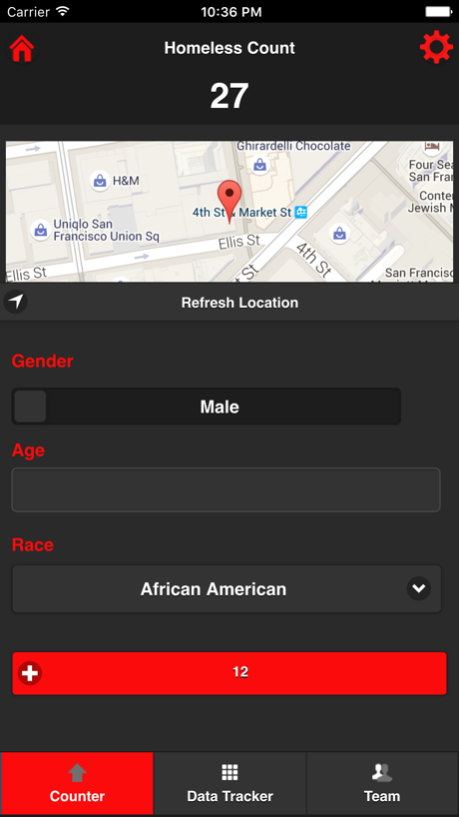
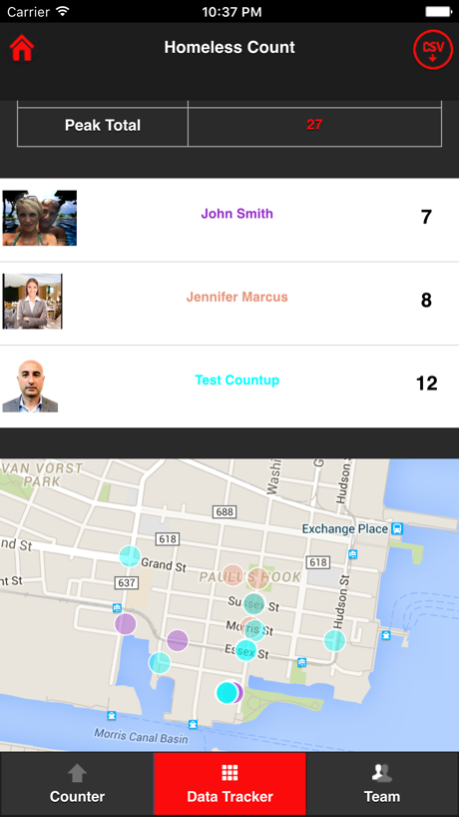
CountUp is a connected tally counter that enables you to count and collect data
collaboratively.
You can use it to:
-Count anything in real time individually or with a team - locally, regionally, nationally or globally.
-Track each count using location for accountability and transparency.
-Speed count to tally people, record attendance and control crowds.
- Add Form fields to counters to track data for surveys, inventory etc.
-Compare counters in real-time using high, low, average, ratio and delta.
-Export counter and form data into a spreadsheet for analysis, graphs and charts.
- Count and record data offline and automatically sync as soon as you get network coverage
You can use it If you are:
Federal, State or Local Government
Research group or organization
Event management organization or professional
Venue e.g. stadium, museum, park, arena, beach,mall etc
Hobbyist or Enthusiast
Pricing Information:
Free-1000 Counts and 2 team members(including owner)
Count(Records)- $9.99 for 1000 counts and $74.99 for 10,000 counts
Team Members(Users)- $9.99 per member and $74.99 for 10 members
Mar 2, 2018
Version 2.98
This app has been updated by Apple to display the Apple Watch app icon.
Critical Bug Fixes
About CountUp-The Connected Counter
The company that develops CountUp-The Connected Counter is Countup LLC. The latest version released by its developer is 2.98.
To install CountUp-The Connected Counter on your iOS device, just click the green Continue To App button above to start the installation process. The app is listed on our website since 2018-03-02 and was downloaded 10 times. We have already checked if the download link is safe, however for your own protection we recommend that you scan the downloaded app with your antivirus. Your antivirus may detect the CountUp-The Connected Counter as malware if the download link is broken.
How to install CountUp-The Connected Counter on your iOS device:
- Click on the Continue To App button on our website. This will redirect you to the App Store.
- Once the CountUp-The Connected Counter is shown in the iTunes listing of your iOS device, you can start its download and installation. Tap on the GET button to the right of the app to start downloading it.
- If you are not logged-in the iOS appstore app, you'll be prompted for your your Apple ID and/or password.
- After CountUp-The Connected Counter is downloaded, you'll see an INSTALL button to the right. Tap on it to start the actual installation of the iOS app.
- Once installation is finished you can tap on the OPEN button to start it. Its icon will also be added to your device home screen.
Program Details
System requirements
Download information
Pricing
Version History
version 2.98
posted on 2018-03-02
Mar 2, 2018
Version 2.98
This app has been updated by Apple to display the Apple Watch app icon.
Critical Bug Fixes
